How to Redeem Codes in 99 Nights in the Forest
Unlock exclusive rewards and enhance your gaming experience with our complete guide to redeeming codes in the popular Roblox adventure game.
Unlock Free Rewards with 99 Nights in the Forest Codes
Redeeming codes in 99 Nights in the Forest is your ticket to earning free currency, exclusive items, and special boosts that will help you survive longer in the mysterious forest. This comprehensive guide will walk you through every step of the process.
Pro Tip: Codes are often released during game updates, special events, or on the developer's social media channels, so check regularly for new opportunities!
Step-by-Step Guide to Redeeming 99 Nights in the Forest Codes
Launch the Game
Start by opening 99 Nights in the Forest on Roblox. Make sure you're logged into your account and have a stable internet connection.

Access the Shop Menu
Look for the diamond icon located in the bottom left corner of your screen. Click this icon to open the shop menu. Alternatively, you can talk to the currency NPC character in the game to access the same menu.
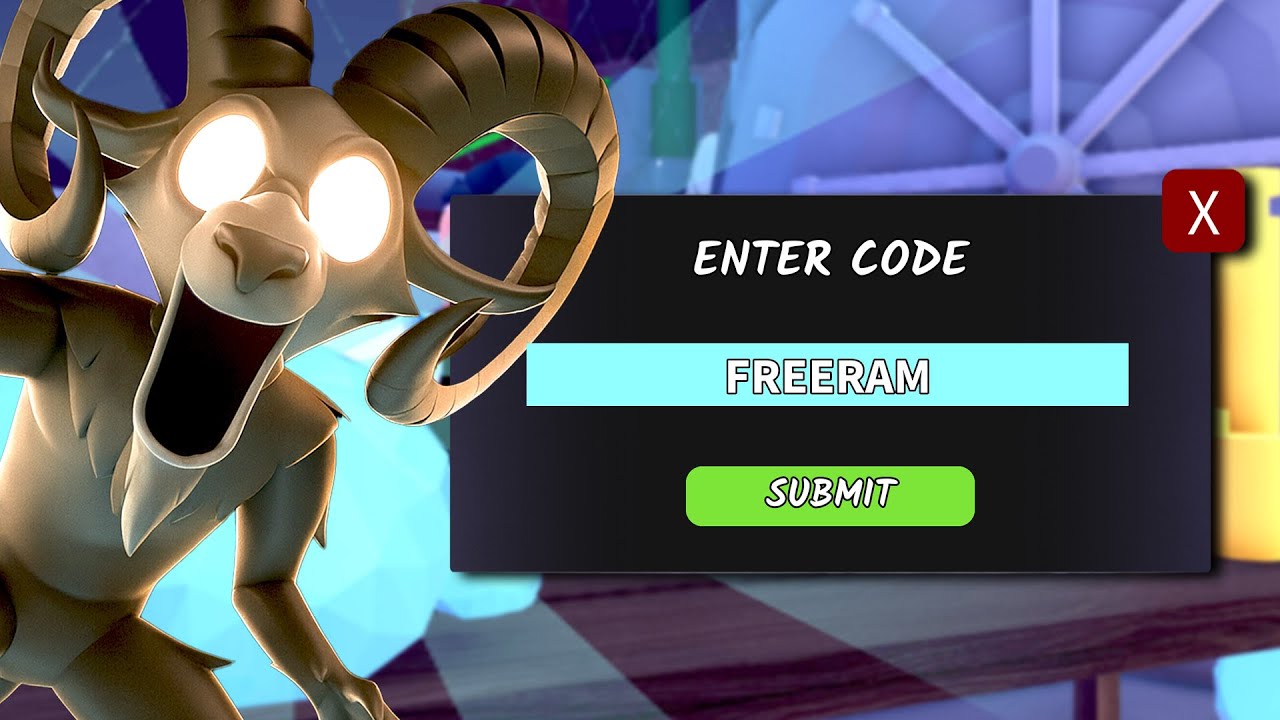
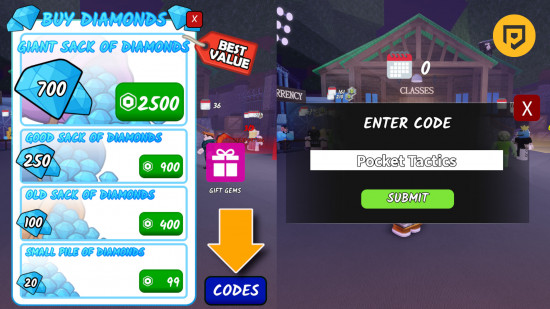
Find the Codes Button
Within the shop menu, navigate to the bottom right corner where you'll find a distinctive blue button labeled "Codes." This is your gateway to entering redemption codes.
Enter Your Code
A text input field will appear. Carefully type or paste your code exactly as it appears. Pay attention to capitalization, numbers, and special characters as codes are case-sensitive.
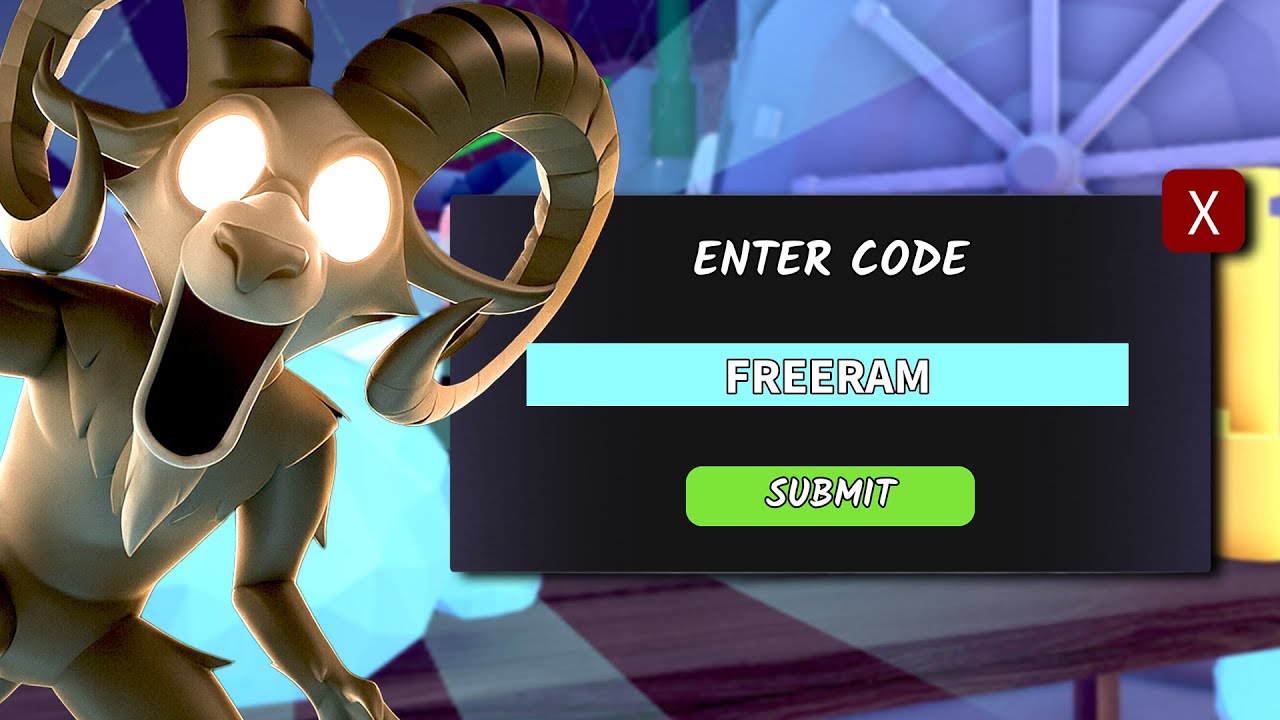
Submit and Claim Rewards
Click the Submit button to redeem your code. If the code is valid, you'll receive a confirmation message and your rewards will be automatically added to your inventory.
Video Guide: How to Redeem Codes in 99 Nights in the Forest
Watch this comprehensive tutorial that demonstrates the entire code redemption process from start to finish.
Video by: Reza | YouTube · October 8, 2025 | Duration: 51s
Tips for Successful Code Redemption in 99 Nights in the Forest
✓ Check Code Expiration
Most codes have expiration dates, so redeem them as soon as possible after they're released to ensure they're still valid.
✓ Type Carefully
Codes are often case-sensitive and may include special characters. Copy and paste when possible to avoid typos.
✓ Follow Official Sources
Get codes from official game developers, verified social media accounts, or reputable gaming websites to avoid scams.
✓ Check Your Inventory
After successful redemption, always check your inventory to confirm you've received the promised rewards.
Troubleshooting Common Code Issues in 99 Nights in the Forest
Code Not Working?
If a code isn't working, it may have expired, been redeemed already, or you might have entered it incorrectly. Double-check the code and try again.
Can't Find the Codes Button?
Make sure you've fully loaded into the game world. The shop menu and codes button may not be accessible during loading screens or cutscenes.
No Confirmation Message?
If you don't see a confirmation message but the code was accepted, check your inventory as rewards are typically added automatically.
Frequently Asked Questions About 99 Nights in the Forest Codes
Where can I find new codes for 99 Nights in the Forest?
Follow the game's official social media accounts, join the developer's Discord server, or check reputable gaming websites that regularly update with new codes.
How often are new codes released?
New codes are typically released during game updates, special events, holidays, or to celebrate milestone achievements like player counts.
Can I use the same code multiple times?
No, most codes can only be redeemed once per account. Some special codes might be reusable, but this is rare and will be specified by the developers.
What kind of rewards can I get from codes?
Codes typically provide in-game currency, exclusive cosmetics, experience boosts, or special items that help you progress faster in the game.